Trending Topics
Whatsapp 'S New Document Scanner Feature: A Game-Changer For Users
June 29, 2025, 1:55 p.m. | Santoshadmin
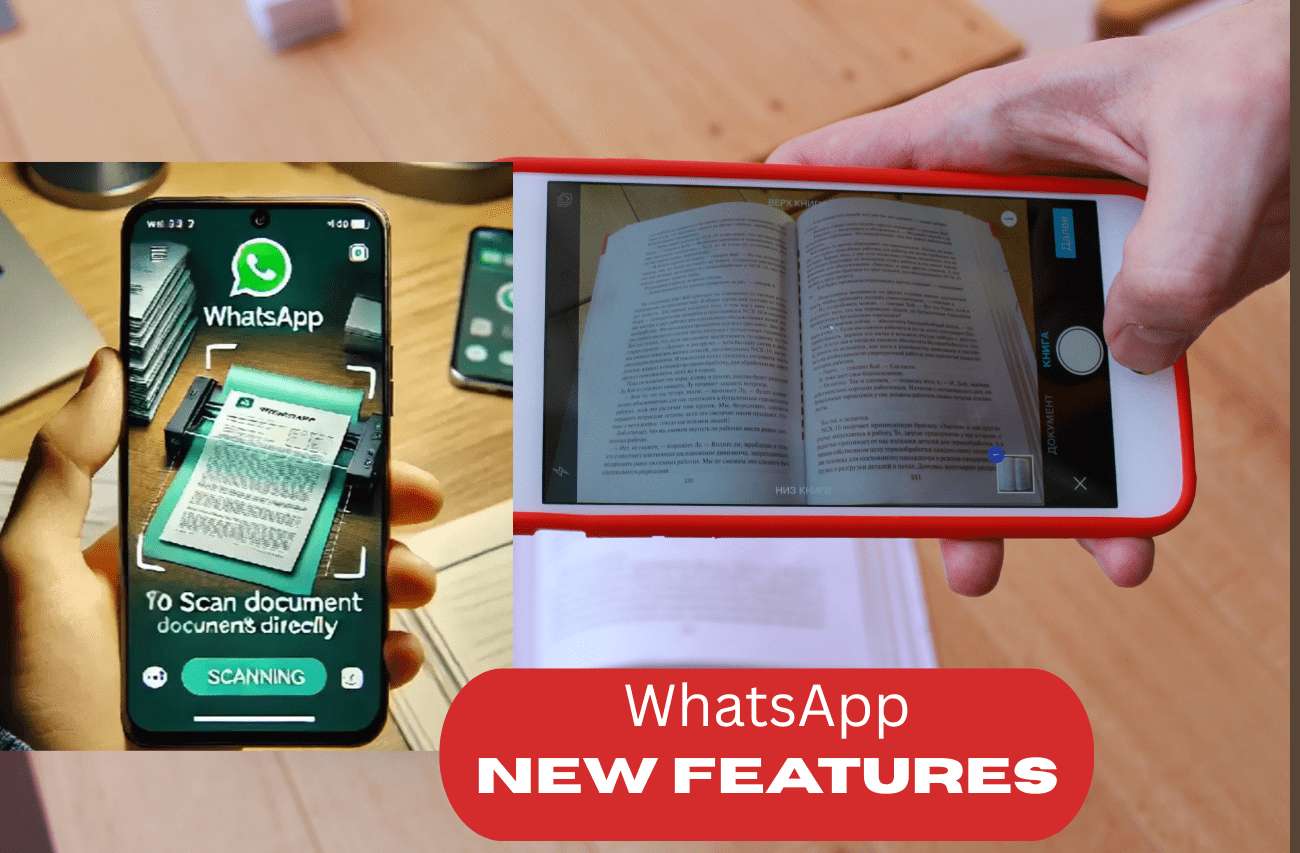
The world of instant messaging is ever-evolving, and WhatsApp, as one of the leading platforms, continues to set new standards. The latest buzz in the tech community surrounds WhatsApp’s upcoming feature: an in-app document scanner. This innovative tool will allow users to scan documents directly within the app and convert them into PDF files, eliminating the need for third-party scanning applications. In this in-depth blog, we’ll explore how this feature is poised to transform the way users handle documents on WhatsApp, its technical workings, advantages, and what it means for everyday users.
1. Introduction: The Need for In-App Document Scanning
In today’s fast-paced digital environment, the ability to quickly share documents is crucial. Whether it’s signing a contract, uploading educational material, or sharing official paperwork, users often find themselves switching between multiple apps to scan, convert, and send documents. This process is not only time-consuming but also introduces security risks, as sensitive documents are handled by various third-party applications.
WhatsApp, recognizing this pain point, is set to introduce a built-in document scanner. This feature promises to streamline the entire process, making it faster, more secure, and more convenient.
2. How Will the WhatsApp Document Scanner Work?
Step-by-Step Process
-
Accessing the Scanner:
Users will find a new “Scan Document” option within the chat or attachment menu. This option will be available alongside existing features like photos, videos, and files. -
Capturing the Document:
Upon selecting the scanner, the app will activate the device’s camera. Users can then position the document within the frame. The feature will likely include edge detection to automatically crop and align the document. -
Image Enhancement:
The scanner will apply filters and corrections to improve clarity, remove shadows, and ensure the text is legible. -
Conversion to PDF:
Once the document is captured and enhanced, WhatsApp will convert the image into a PDF file. This file can be previewed before sending. -
Sending the Document:
The final PDF can be sent directly to the intended recipient within the chat.
Technical Aspects
-
Camera Integration:
The feature will leverage the device’s camera hardware, similar to how scanning apps like Adobe Scan or CamScanner work. -
OCR (Optical Character Recognition):
While the initial release may focus on image-to-PDF conversion, future updates could include OCR capabilities, allowing users to extract text from scanned documents. -
Cloud Storage:
There is no indication yet that WhatsApp will store scanned documents on its servers. The process is likely to be local to the user’s device for enhanced privacy.
3. Benefits of the WhatsApp Document Scanner
Convenience and Efficiency
-
All-in-One Solution:
Users no longer need to download and manage separate scanning apps. Everything can be done within WhatsApp. -
Time-Saving:
The streamlined process reduces the steps required to scan and share documents, saving valuable time. -
Seamless Sharing:
Documents can be shared instantly with contacts, groups, or even businesses, enhancing productivity.
Enhanced Security and Privacy
-
Reduced Third-Party Risks:
By eliminating the need for external apps, users minimize the risk of data breaches or unauthorized access to sensitive documents. -
End-to-End Encryption:
WhatsApp’s strong encryption ensures that scanned documents remain private and secure during transmission.
Accessibility and User Experience
-
User-Friendly Interface:
The integration is designed to be intuitive, making it accessible to users of all ages and tech-savviness levels. -
Cross-Platform Compatibility:
The feature is expected to be available on both Android and iOS, ensuring a consistent experience across devices.
4. Potential Use Cases
Personal Use
-
Educational Purposes:
Students can quickly scan and share notes, assignments, or study materials with classmates. -
Household Management:
Users can scan and store important household documents, such as bills, receipts, or warranties.
Professional Use
-
Business Communication:
Professionals can share contracts, invoices, or reports directly with clients or colleagues. -
Remote Work:
The feature is especially useful for remote teams who need to exchange documents quickly and securely.
Legal and Official Use
-
Document Verification:
Users can scan and send identity proofs, bank statements, or other official documents for verification purposes. -
Legal Agreements:
Contracts and agreements can be scanned, signed, and shared in real-time.
5. Comparison with Existing Solutions
Currently, users rely on third-party apps like Adobe Scan, CamScanner, or Microsoft Lens to scan and convert documents. While these apps offer robust features, they come with certain drawbacks:
-
Additional Downloads:
Users must install and manage separate apps. -
Subscription Costs:
Some features are locked behind paywalls. -
Privacy Concerns:
Third-party apps may collect user data or display ads.
WhatsApp’s built-in scanner addresses these issues by providing a free, integrated solution with no extra downloads or hidden costs.
6. What This Means for the Future of WhatsApp
The introduction of the document scanner is a clear indication of WhatsApp’s commitment to enhancing user experience and expanding its utility beyond simple messaging. By integrating essential productivity tools, WhatsApp is positioning itself as a comprehensive communication platform for both personal and professional use.
Future updates could include:
-
Advanced Editing Tools:
Features like annotation, signature insertion, or text recognition. -
Integration with Cloud Services:
Direct uploads to Google Drive, Dropbox, or iCloud. -
Collaborative Features:
Real-time document editing or co-signing within chats.
7. User Feedback and Expectations
Early reactions from the tech community have been largely positive. Users appreciate the convenience and security of having a document scanner within WhatsApp. However, some have expressed concerns about potential misuse, such as the spread of fake or altered documents. WhatsApp will need to implement robust verification mechanisms to address these concerns.
8. How to Prepare for the New Feature
While the feature is still in development, users can prepare by:
-
Keeping WhatsApp Updated:
Ensure the app is always updated to the latest version to access new features as soon as they are released. -
Familiarizing with Current Tools:
Explore existing attachment and file-sharing options to understand the workflow. -
Staying Informed:
Follow official WhatsApp channels or tech news outlets for announcements and updates.
9. Conclusion: A Step Forward in Digital Communication
WhatsApp’s upcoming document scanner is more than just a new feature—it’s a significant step towards making digital communication more efficient, secure, and user-friendly. By integrating essential tools within the app, WhatsApp is setting a new standard for what users can expect from a messaging platform.
As we await the official rollout, one thing is clear: the way we handle and share documents is about to become much simpler, thanks to WhatsApp.
None
None
None
None
Related Posts

Pm Modi Cyprus Visit: A Strategic Leap For India\'S Global Influence
Prime Minister Narendra Modi’s recent visit to Cyprus marks a watershed moment for Indian diplomacy, signaling a bold new phase …
Read more...

Muharram 2025 In India: Date, Importance, And How It Is Observed
Muharram, the first month of the Islamic lunar calendar, holds profound spiritual significance for Muslims worldwide. In 2025, it is …
Read more...